9-Box Performance Assessment
Collaborative talent grid for team calibration sessions
Quick Start
- Create a session and share the link with your team
- Each manager joins with their name and picks a team color
- Add your team members and position them on the grid
- Switch to overlay view to see the full organization
- Export results as PDF or PNG for documentation
Join Existing Session
Have a session code? Enter it below to join.
What is the 9-Box Grid?
The 9-box grid is a strategic talent management framework used by organizations worldwide to assess and visualize employee performance and potential. Originally developed by McKinsey & Company for General Electric in the 1970s, this powerful tool has become the industry standard for succession planning, talent development, and organizational capability assessment.
Understanding the Two Dimensions
The 9-box matrix evaluates employees across two critical dimensions:
- Performance (X-axis): Measures how effectively an employee delivers results in their current role. This includes meeting job requirements, achieving objectives, and contributing to team success.
- Potential (Y-axis): Assesses an employee's capacity for growth, leadership capabilities, and readiness for increased responsibilities. This forward-looking metric helps identify future leaders and key talent.
The Nine Boxes Explained
Why Use the 9-Box for Talent Management?
The 9-box grid has become an essential tool for HR leaders and managers because it provides a structured, visual approach to talent management that drives better organizational outcomes.
Succession Planning
Identify high-potential employees who can step into leadership roles. Build a robust talent pipeline for critical positions before they become vacant.
Objective Assessment
Move beyond subjective opinions to data-driven talent decisions. The collaborative calibration process reduces bias and ensures fairness in evaluations.
Development Planning
Tailor development programs to each employee's position on the grid. Stars need stretch assignments, while rough diamonds may need coaching and support.
Retention Strategy
Identify flight risks and top performers who need engagement. Proactively address retention concerns before you lose key talent to competitors.
Organizational Alignment
Create shared understanding of talent across leadership teams. Calibration sessions foster productive discussions about people and potential.
Strategic Workforce Planning
Visualize your talent distribution to identify gaps and opportunities. Understand where to invest in hiring, development, or organizational restructuring.
How to Use the 9-Box Tool
Our collaborative 9-box tool is designed for team calibration sessions where managers come together to evaluate and discuss talent across the organization.
1 Create Your Session
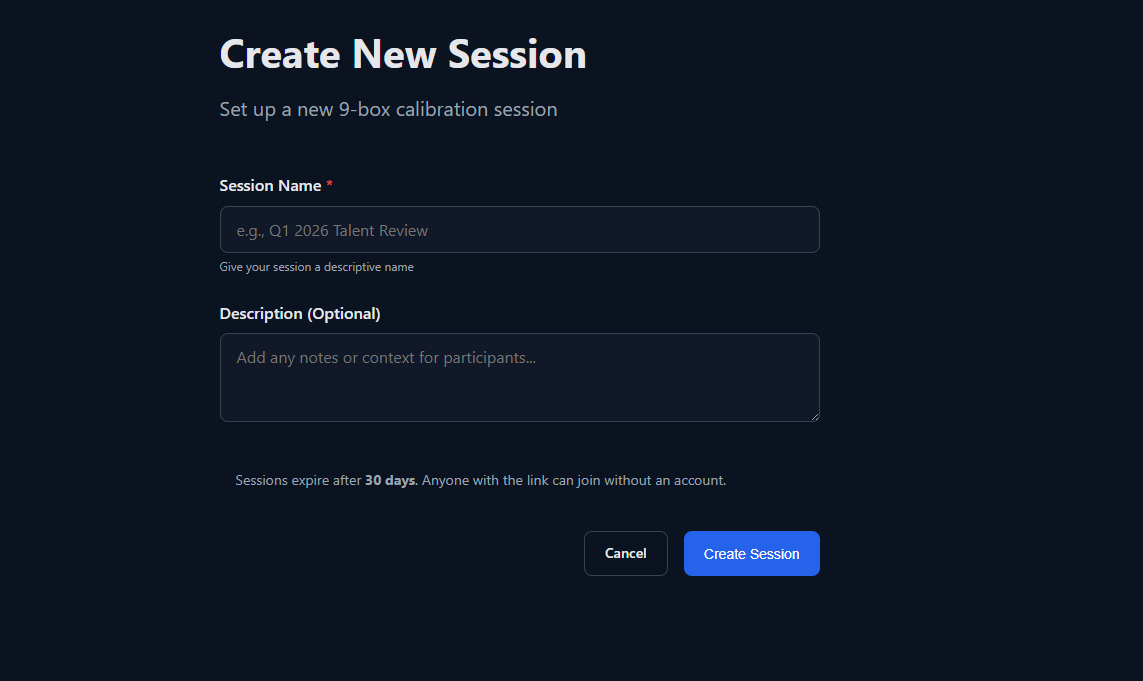
Click "Create New Session" and give your calibration session a meaningful name (e.g., "Q4 2024 Talent Review - Engineering"). Add an optional description to provide context for participants.
2 Share the Session Link
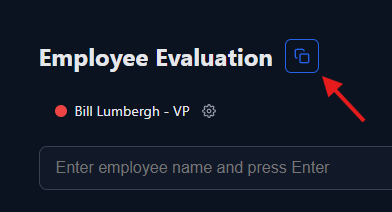
Copy the unique session URL and share it with managers who will participate in the calibration. Each session has a unique code that's valid for 7 days.
3 Join and Choose Your Color
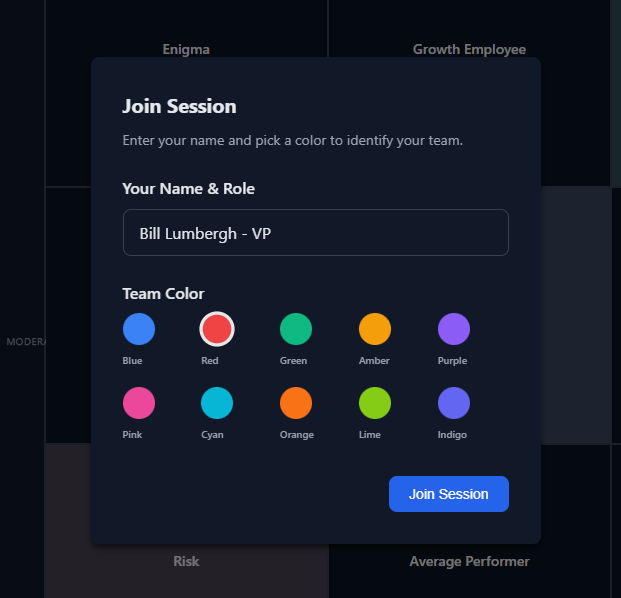
Each manager joins the session with their name and selects a color to represent their team. This makes it easy to see which manager placed which employees on the grid.
4 Add Your Team Members
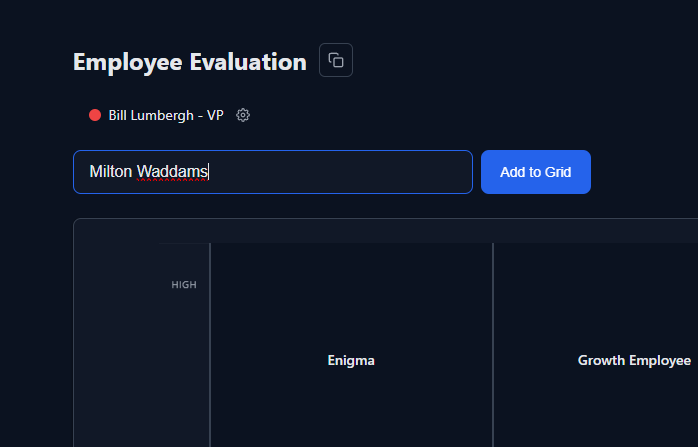
Type an employee name and click "Add" or press Enter. New employees appear in the center of the grid. You can add notes about each person for context during discussions.
5 Position Employees on the Grid
Drag each employee dot to their appropriate position based on your assessment of their performance and potential. The grid automatically shows which box they land in.
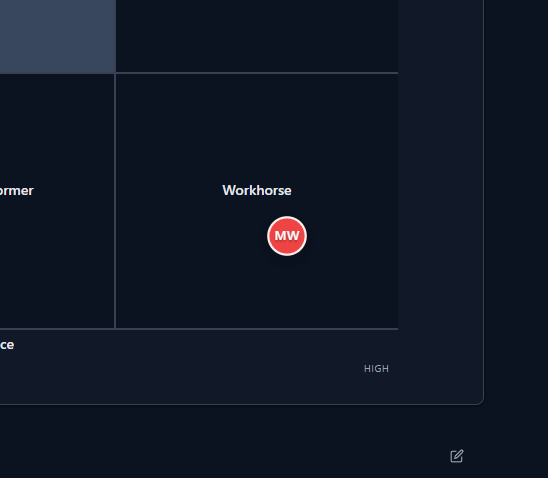
1 Private View Mode
Start in Private View to place your own employees without seeing others' placements. This prevents groupthink and ensures independent assessments from each manager.
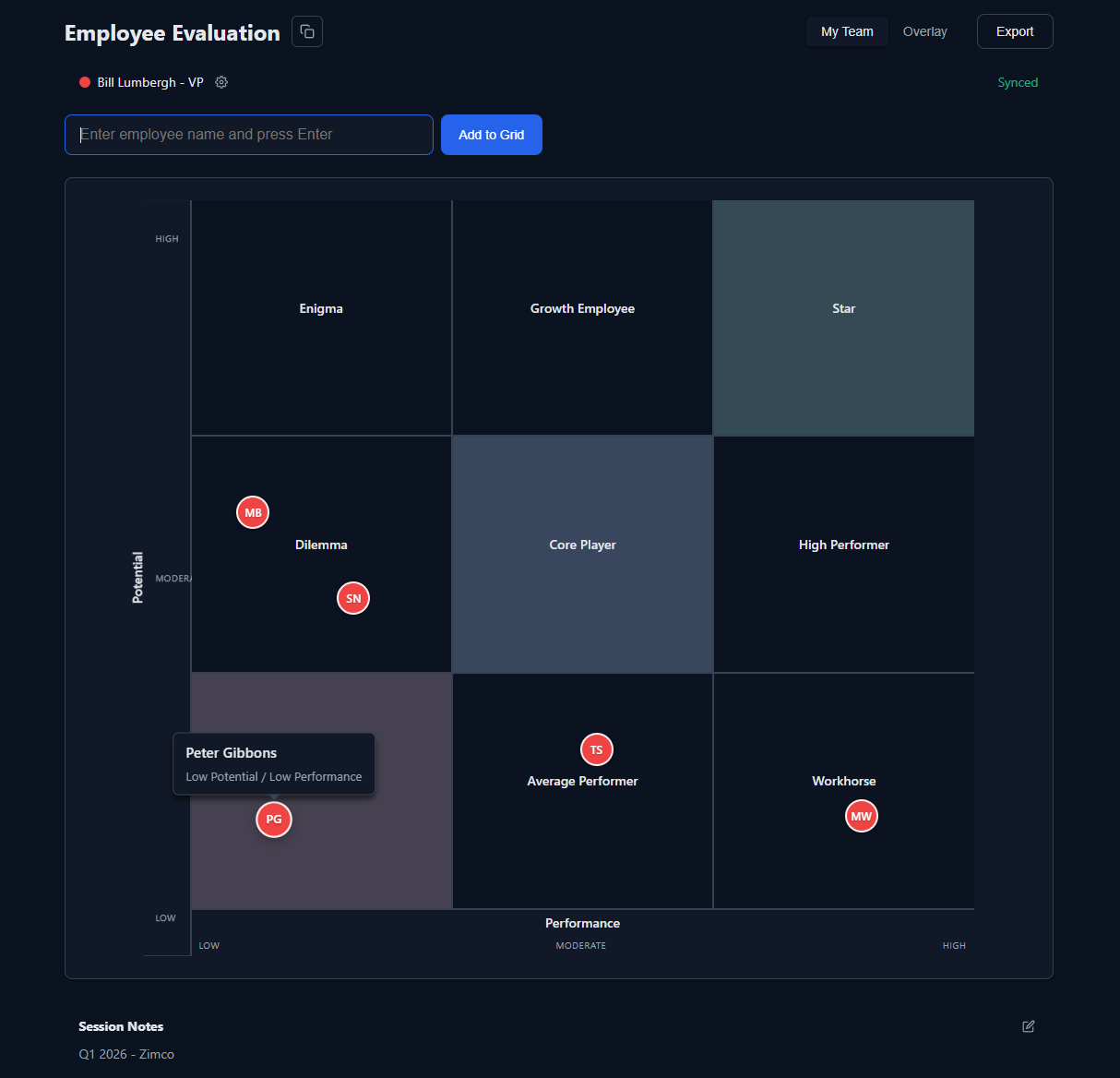
2 Switch to Overlay Mode
Once everyone has placed their employees, switch to Overlay mode to see the complete organizational view. Each manager's employees appear in their chosen color.
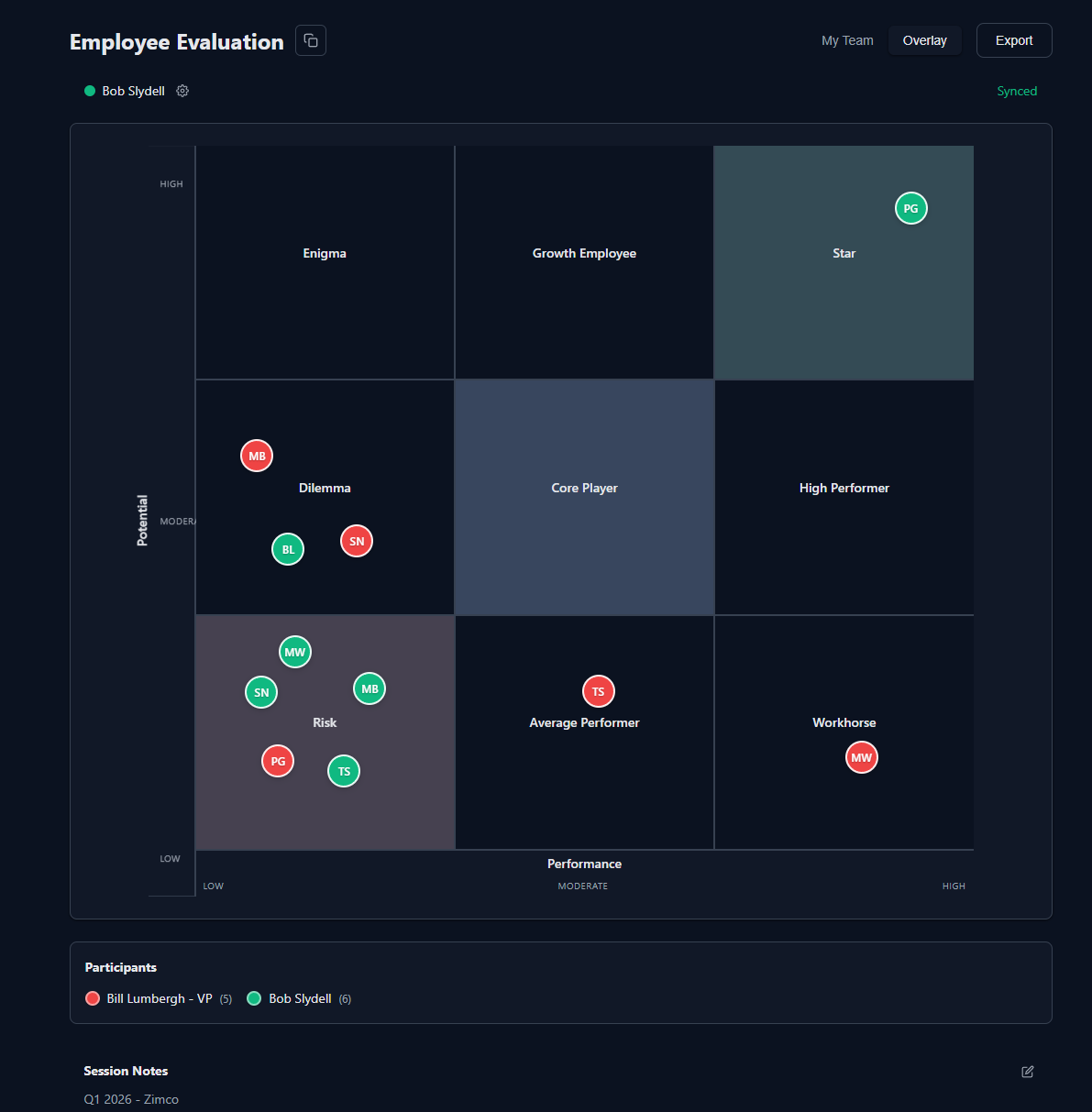
3 Facilitate Discussion
Use the overlay view to identify patterns, outliers, and areas of agreement or disagreement. Click on employee dots to see details and discuss placements as a team.
4 Real-Time Sync
All changes sync automatically across all participants. As managers adjust placements during discussion, everyone sees updates immediately without refreshing.
Before the Session
- Send calibration instructions and evaluation criteria to all participants in advance
- Have managers complete initial assessments independently before the group session
- Prepare specific examples and data to support your placement decisions
- Review job descriptions and success criteria for roles being discussed
During the Session
- Start with independent placements in Private View mode to avoid bias
- Use data and specific examples when discussing placements, not just opinions
- Focus on future potential, not just past performance
- Challenge "halo effects" where high performance in one area clouds judgment
- Seek to understand different perspectives rather than immediately defending your view
- Take notes about development needs and action items for each box
After the Session
- Export the final grid for documentation and follow-up
- Create individualized development plans based on grid positions
- Schedule check-ins to track progress and movement on the grid
- Protect employee privacy - share results only with those who need to know
- Use insights to inform succession plans, compensation decisions, and resource allocation
1 Export as PDF
Click the "Export" button and choose PDF to create a professional document with the grid, legend, and session details. Perfect for documentation and leadership reviews.
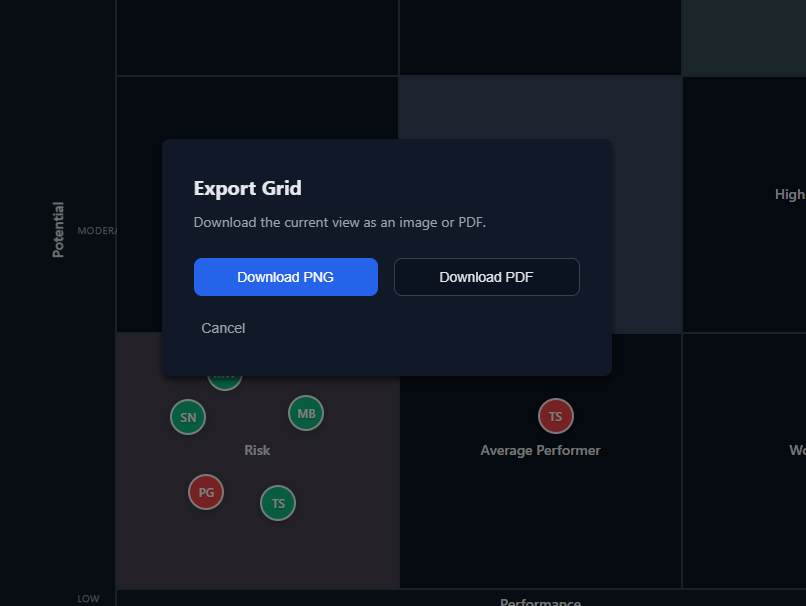
2 Export as Image
Choose PNG export to save a high-resolution image of the grid. Useful for presentations, reports, or sharing via email and messaging apps.
3 Share the Session
Use the share button to copy the session link or share via email. Recipients can view the current state of the grid and join if they have the link.
4 Privacy & Data
Sessions are private and accessible only via the unique URL. Data is stored for 7 days then automatically deleted. We don't store any personally identifiable information beyond names you enter.
